
Installation failed or the QR code won't scan
This is usually solved in a few simple steps:
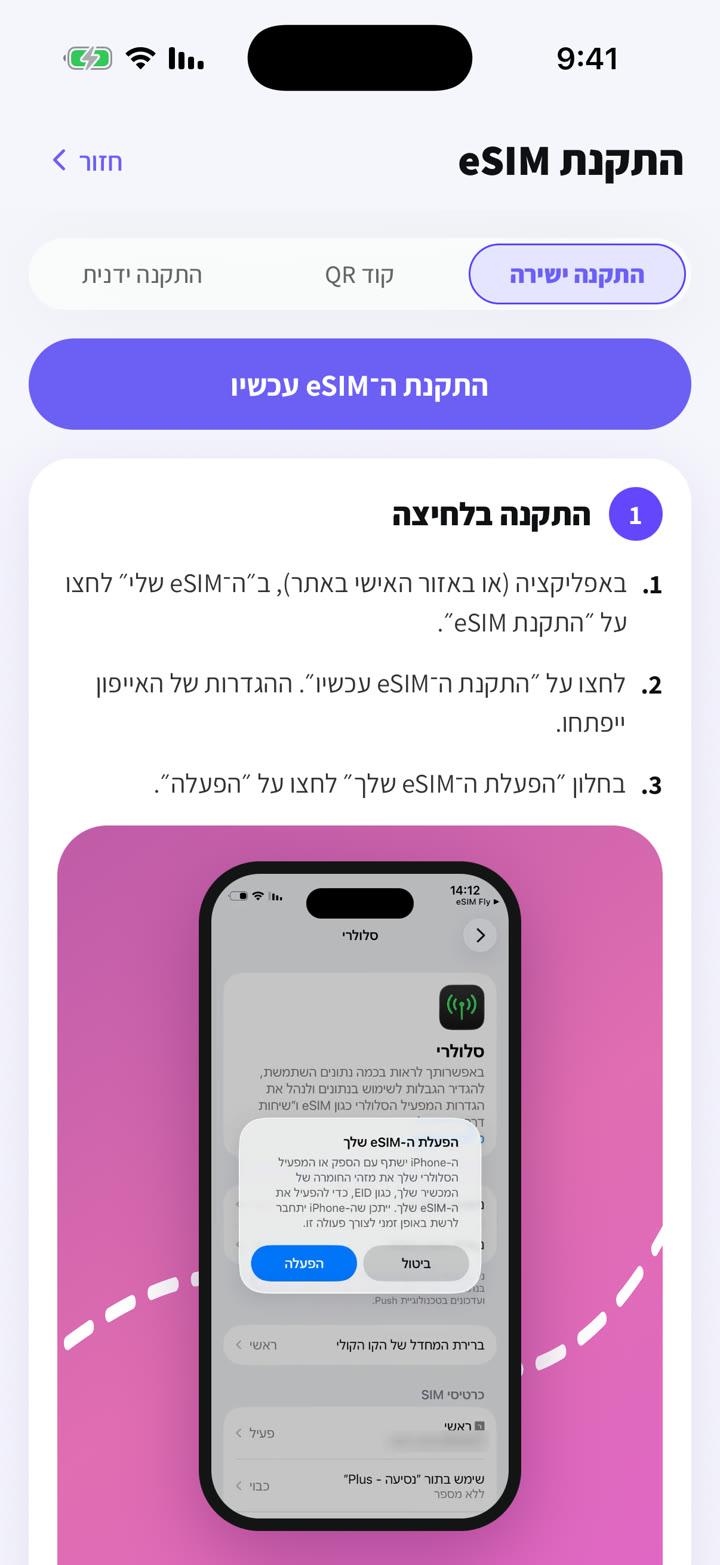
- 1
Make sure the phone is online (stable Wi‑Fi) while installing.
- 2
Don't scan a screenshot on the same phone: show the code on another screen, or use direct or manual install.
- 3
Update your phone's software and restart it.
- 4
Check your cellular settings: if the eSIM is already listed there, it's installed. Don't install it again.
- 5
Seeing "code already in use" or "unable to add eSIM"? Don't keep retrying: message us in the chat.
Each eSIM can be installed only once, so when in doubt contact us before deleting anything.
Vous n'avez pas trouvé de réponse ?
Notre équipe vous aide volontiers dans le chat. Joignez une capture de vos réglages pour aller plus vite.