
I've run out of data: how do I add more?
Add a plan to the same eSIM, with no new code and no reinstall:
- 1
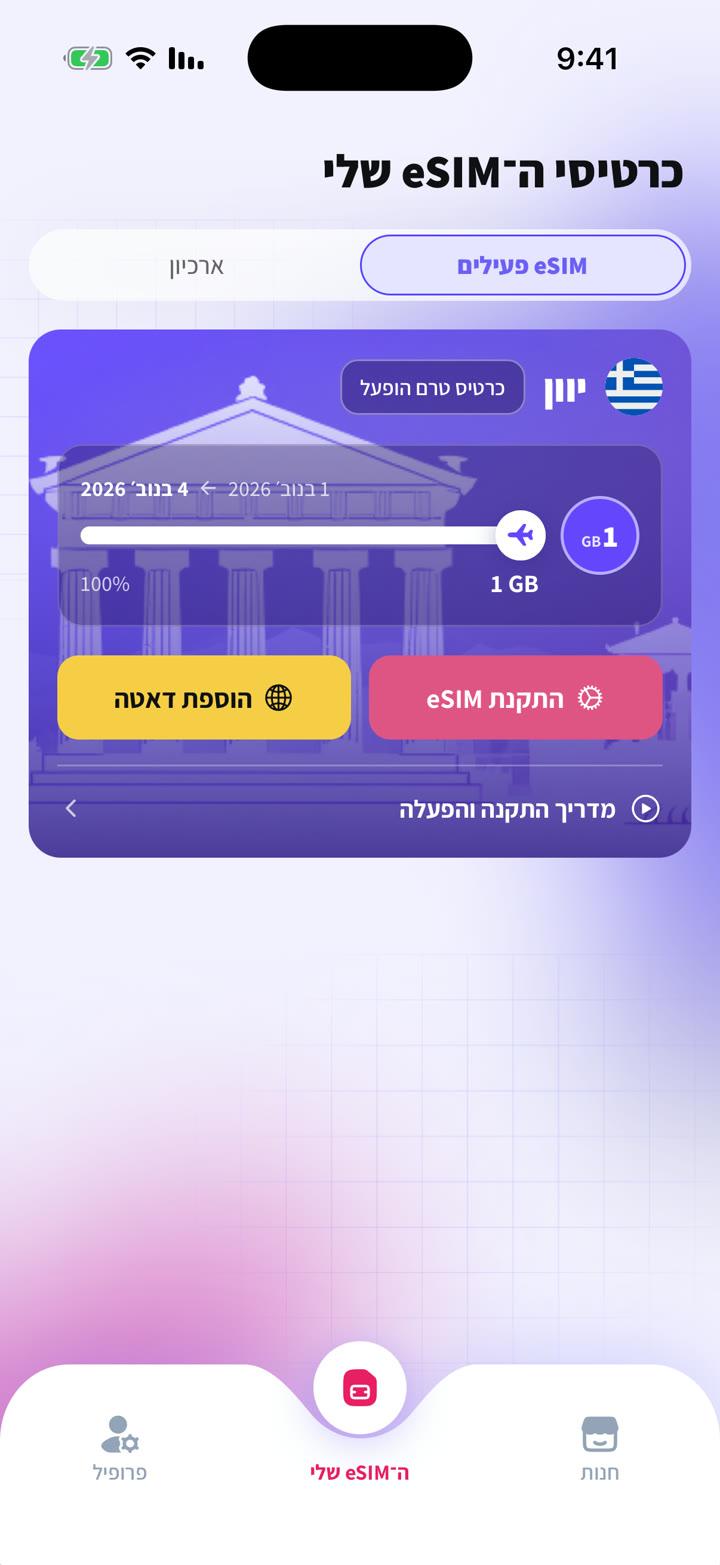
Open your account on the website or the app → "My eSIMs".
- 2
Tap "Add data" next to the eSIM.
- 3
Pick a plan and pay. The data is added within moments, with no new code and no reinstall.
No hidden charges: when a plan runs out, data simply stops until you add more.
Geen antwoord gevonden?
Ons team helpt graag in de chat. Voeg een screenshot van je instellingen toe, dan lossen we het sneller op.