
Installation failed or the QR code won't scan
This is usually solved in a few simple steps:
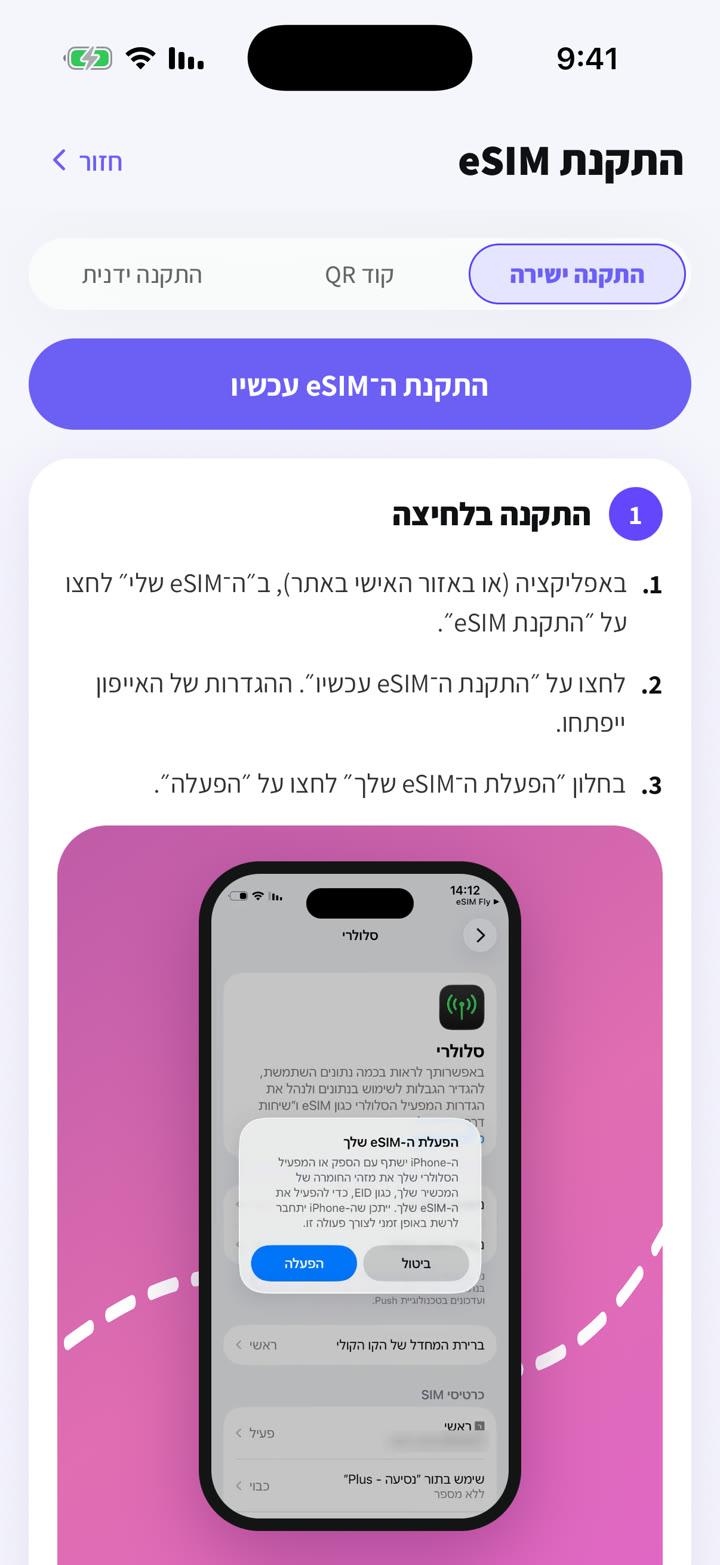
- 1
Make sure the phone is online (stable Wi‑Fi) while installing.
- 2
Don't scan a screenshot on the same phone: show the code on another screen, or use direct or manual install.
- 3
Update your phone's software and restart it.
- 4
Check your cellular settings: if the eSIM is already listed there, it's installed. Don't install it again.
- 5
Seeing "code already in use" or "unable to add eSIM"? Don't keep retrying: message us in the chat.
Each eSIM can be installed only once, so when in doubt contact us before deleting anything.
Geen antwoord gevonden?
Ons team helpt graag in de chat. Voeg een screenshot van je instellingen toe, dan lossen we het sneller op.