
I've run out of data: how do I add more?
Add a plan to the same eSIM, with no new code and no reinstall:
- 1
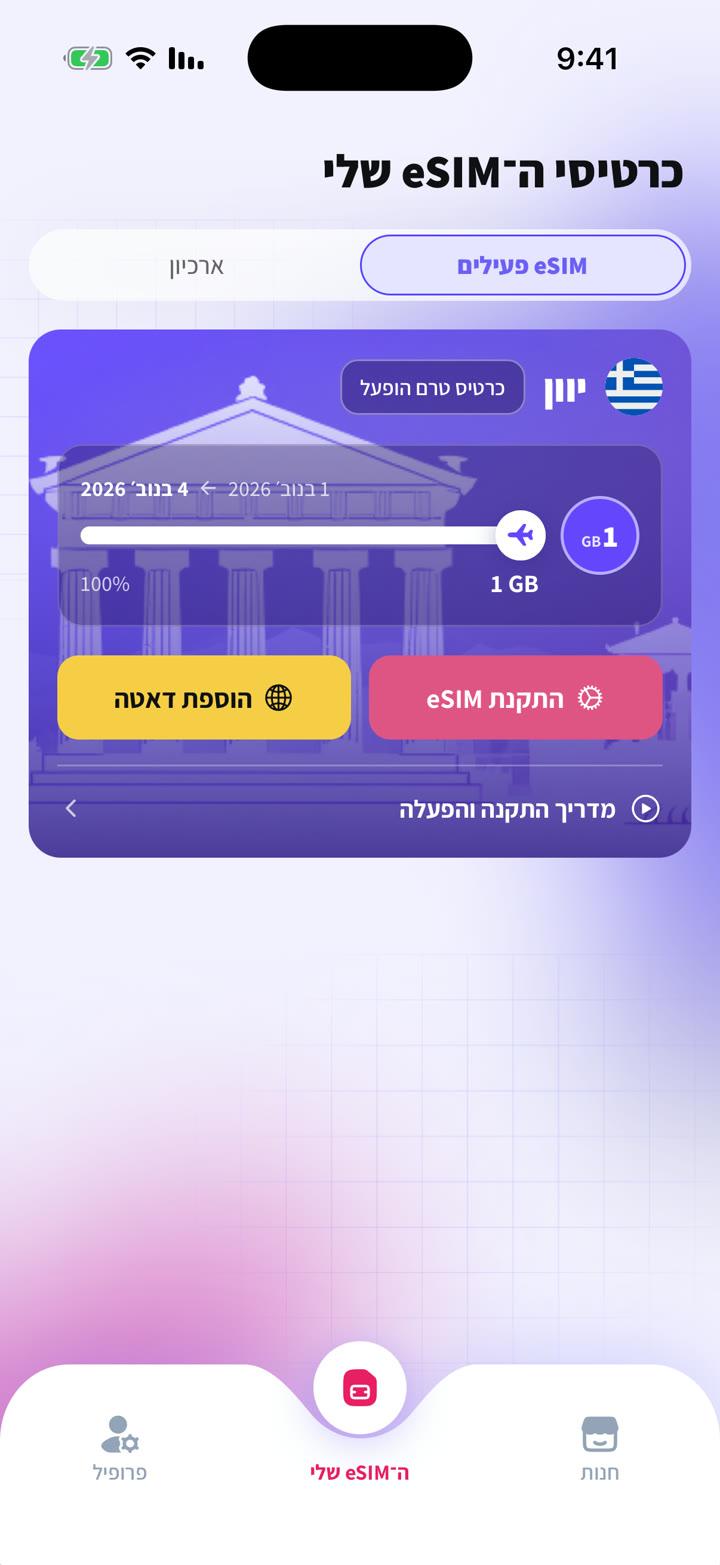
Open your account on the website or the app → "My eSIMs".
- 2
Tap "Add data" next to the eSIM.
- 3
Pick a plan and pay. The data is added within moments, with no new code and no reinstall.
No hidden charges: when a plan runs out, data simply stops until you add more.
Keine Antwort gefunden?
Unser Team hilft gern im Chat. Ein Screenshot deiner Einstellungen beschleunigt die Lösung.